
Connecting to HCSS Companies
Customer Consent and Verification
Overview
Partner authentication works similarly to client credentials, but with an additional one-time consent and verification step.
sequenceDiagram
    actor HCSS Customer
    participant HCSS Marketplace
    participant Your Application
    participant HCSS Identity
    HCSS Customer->>HCSS Marketplace: Browse to Application
    HCSS Customer->>HCSS Marketplace: Add Application
    HCSS Marketplace->>Your Application: Redirect
    Note over Your Application: Ensure user is authenticated in your app <br>before continuing
    Your Application->>HCSS Identity: Authorization Code Flow
    HCSS Identity->>Your Application: Lookup HCSS Company Id from token
    Note over Your Application: Persist association between your app's user <br> and their HCSS Company Id
This only needs to be performed once, unless the customer removes your application or the scopes you have configured change.
Details
Step 1: Customer Consent
Before you can request data on behalf of HCSS customers, an admin from their company must connect to your application in the HCSS Marketplace.
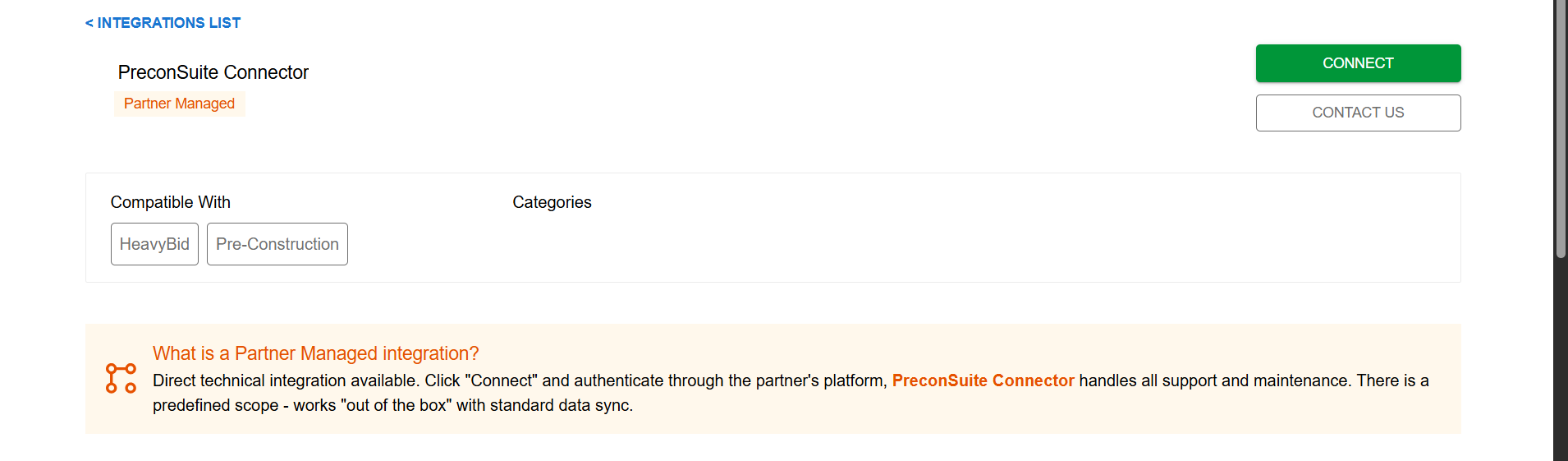
Upon clicking connect they will be presented with a consent screen
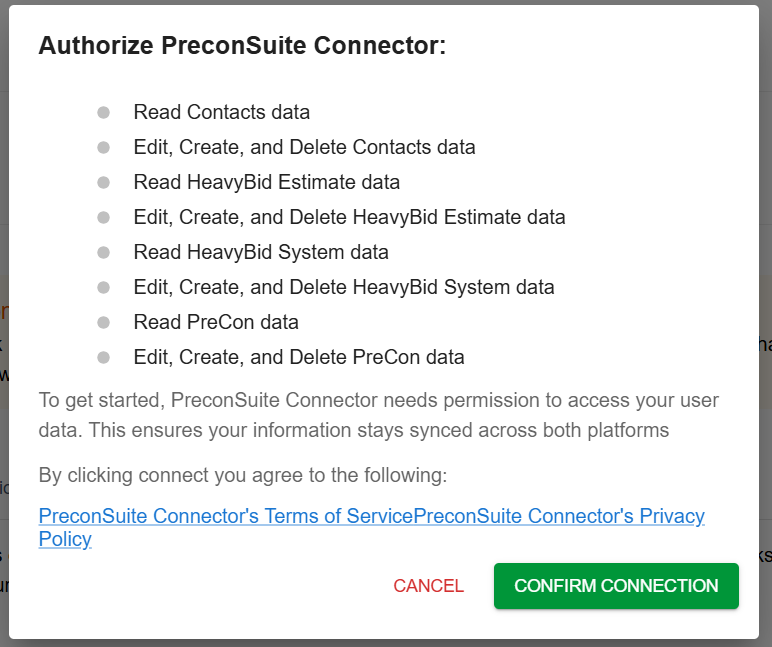
If they confirm the connection, they will be redirected to the redirect url configured in your app's settings.
Step 2: Verification and Association
After the customer is redirected to your app, ensure that they are signed in, and then perform an authcode pkce flow using the code grant type. This step involves calling the authorize endpoint. The customer will be redirected back to your site with the authorization code.
The next step will be to redeem the authorization code for an HCSS token. This step involves calling the token endpoint. This token will contain a CompanyId claim which contains the HCSS company id you will need in the next step. You will need to store the HCSS Company Id in your app and associate it with your app's user.
Step 3: Requesting Tokens and Making API calls
Overview
Once the consent and verification has been performed, your application can start getting data on behalf of any company that has consented.
This flow takes advantage of the company grant type.The company flow is similar to client_credentials, but includes a required CompanyId parameter.
sequenceDiagram
participant Your Application
participant HCSS Identity
participant HCSS Product APIs
Note over Your Application: Lookup HCSS Company Id <br> from previous steps
Your Application->>HCSS Identity: Request token using company flow
HCSS Identity->>Your Application:
Your Application->>HCSS Product APIs: Include token in the Authorization header and make API calls
Details
Request a token using the company grant type
company grant typeOnce the customer has consented, and you have the HCSS Company Id, you can then begin making requests on behalf of that user's company by using the company grant type. This flow is similar to client credentials, but includes an additional CompanyId parameter.
This flow will only work if a customer has added your application in the marketplace.
Once you have the token, you can then make API calls to any HCSS API that you have configured and requested scopes for.
Updated 4 months ago